Introduction
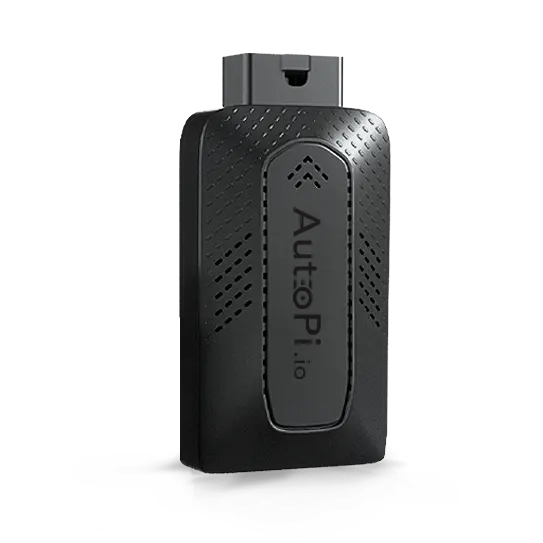
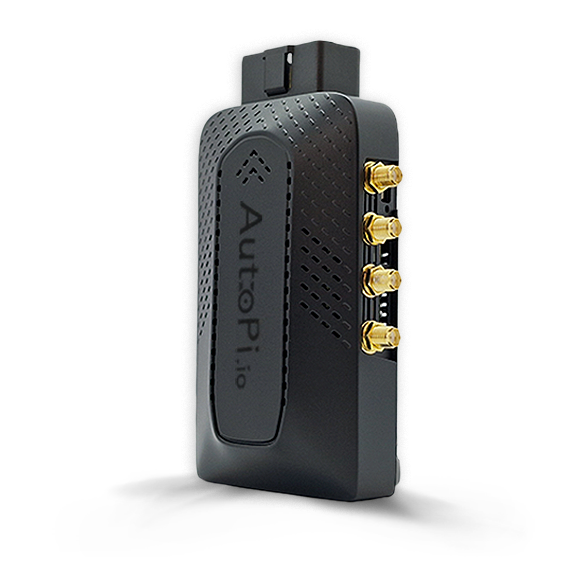
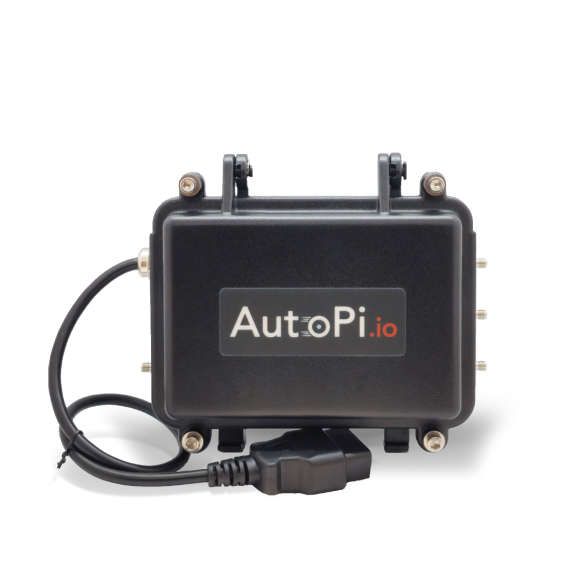
Changing advanced settings can significantly affect your device's performance, battery life, data consumption, and overall stability. Only modify settings if you understand their implications. If you are unsure about any setting or need assistance, please contact our support team at support@autopi.io for guidance.
This guide provides a comprehensive overview of all advanced configuration settings available for your AutoPi TMU CM4 device. Advanced settings enable fine-tuned control over device behavior, power management, data logging, connectivity, and specialized features. Each setting is configurable through the AutoPi Cloud platform and can be customized to match your specific operational requirements.
Available Settings
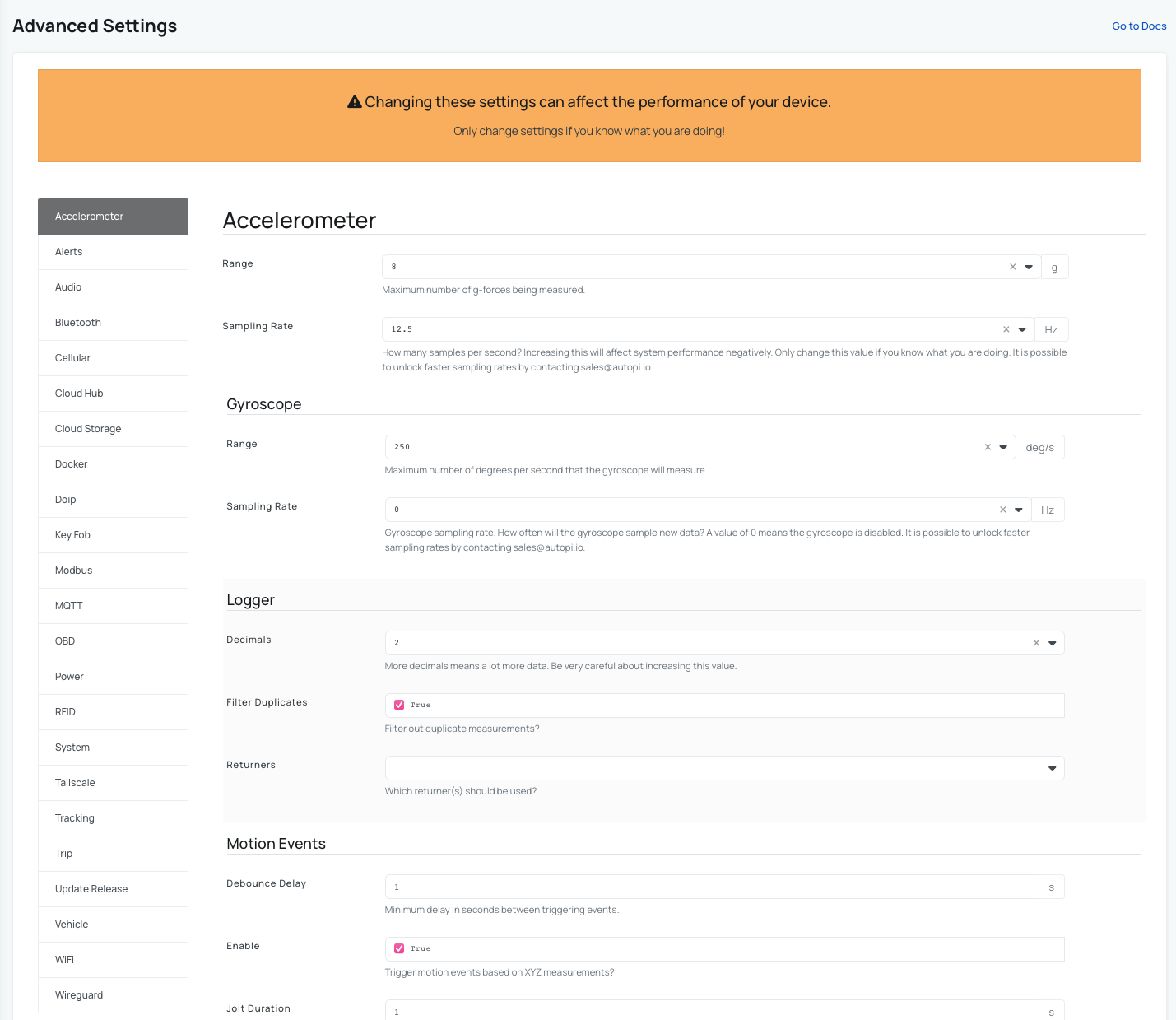
The following advanced settings are available for the AutoPi TMU CM4. Click on any setting to view detailed configuration options and parameters:
Device
- Accelerometer - configure accelerometer and gyroscope sampling rates and ranges for motion detection and logging.
- System - configure core system parameters and device behavior.
- Audio - configure speak alerts to let the device speak out important events immediately when they occur. Learn more here.
Connectivity & Communication
- Bluetooth - enable and configure Bluetooth connectivity options.
- Cellular - manage cellular network settings and mobile connectivity, edit SIM settings, and adjust MTU.
- WiFi - configure WiFi network parameters and connectivity.
- MQTT - enable the MQTT broker, specify the returner, and add custom configuration for the broker to support messaging. Learn more here.
- Tailscale - configure Tailscale VPN connectivity. Learn more here.
- WireGuard - set up WireGuard VPN for secure connections.
Vehicle & Data Logging
- OBD - enable OBD protocol autodetection and configure advanced OBD settings including adaptive timing, passthrough interval, print spaces, and response timeout.
- DoIP - configure Diagnostics over IP protocol for vehicle diagnostics. Learn more here.
- Vehicle - set vehicle-specific parametersfor trips.
- Tracking - configure GPS and driving settings.
- Trip - manage trip detection and trip logic. Learn more here.
Power & Energy Management
- Power - specify your battery's critical level, safety cut-out, sleep timers, and wake triggers to manage device power consumption and behavior. Learn more here.
Cloud & Storage
- Cloud Hub - manage cloud hub connectivity and synchronization settings.
- Cloud Storage - configure data storage and synchronization with the AutoPi Cloud platform.
- Update Release - manage firmware and software update settings. Learn more here.
IoT & Integration
- Alerts - configure any events you want to show up as alerts on the cloud. Learn more here.
- Docker - enable Docker container deployments. Learn more here.
- Key Fob - configure key fob pairing and control settings. Learn more here.
- Modbus - set up Modbus protocol support for industrial device integration. Learn more here.
- RFID - set up RFID reader and tag detection parameters. Learn more here.
All advanced settings can also be modified programmatically through the AutoPi REST API. For API documentation and examples, see our API docs page.
 Shop AutoPi devices
 Compare devices
 Contact sales
 Contact support