AutoPi Documentation
Welcome to the official documentation for the AutoPi platform.
Build, deploy, and scale connected vehicle solutions with confidence. This documentation gives you everything you need to work with AutoPi hardware, AutoPi Core software running on your devices, and our cloud solution at my.autopi.io.
From first-time setup to advanced production workflows, you will find guides for onboarding, fleet operations, device management, APIs, integrations, troubleshooting, and custom development.
Get Your Device Today and Get Started!

What is AutoPi?
AutoPi combines rugged telematics hardware with a flexible cloud platform and open software architecture. It is designed for developers, engineering teams, and fleet operations that need reliable access to vehicle data and control.
AutoPi helps you move faster from pilot to production with:
- Open architecture for custom integrations
- Secure remote access and centralized device management
- API-first automation for scalable deployments
- Hardware options for different vehicle and project needs
The platform has two core parts: AutoPi Cloud and AutoPi Core.
- AutoPi Cloud is the central control layer for your devices, data, and automations.
- AutoPi Core runs on the device and handles edge logic, communication, and data collection.
Together, they deliver an end-to-end workflow for connected vehicle products.
Why Choose AutoPi?
- Faster development with open APIs
- Scalable fleet operations in one cloud platform
- Flexible hardware for multiple vehicle types
- Developer-friendly workflows for custom data pipelines and integrations
- Log raw and decoded CAN/CAN-FD/J1939/OBD-II data
- Integrate through REST API and MQTT
- Run custom edge applications with Docker
- Manage OTA updates and device templates at fleet scale
Learn more about the platform at autopi.io and access the cloud at my.autopi.io.
AutoPi Devices
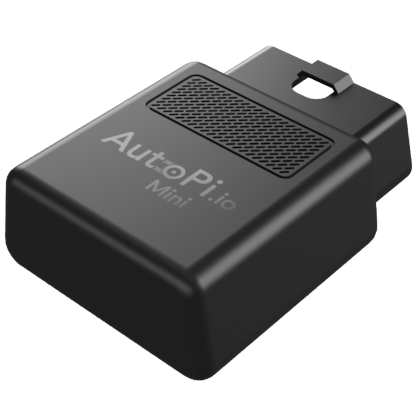 AutoPi Mini Built for fleet scaling and easy installation. CAN bus ready with support for legacy protocols. Supports a wide range of OEM parameters. Comes with built-in connectivity. View pricing.
 AutoPi TMU CM4 Based on Raspberry Pi Compute Module 4. Best for custom solutions that require higher compute performance and expansion options. Comes with built-in connectivity. View pricing.
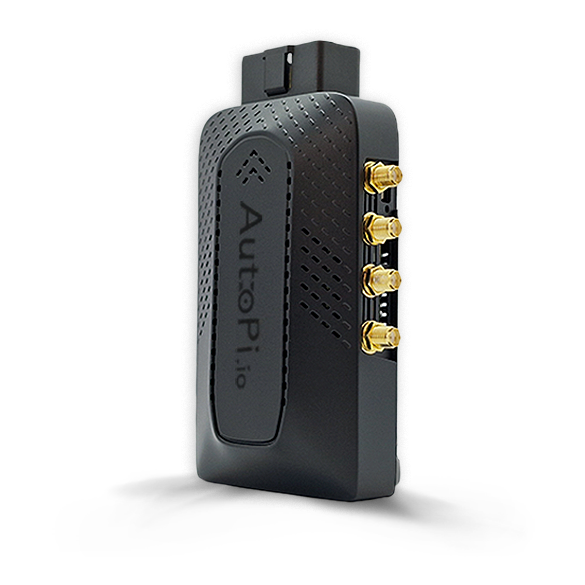 AutoPi CAN-FD Pro Based on Raspberry Pi Compute Module 4. Our most powerful device to date, designed for high-speed automotive data logging on dual CAN-FD channels. View pricing.
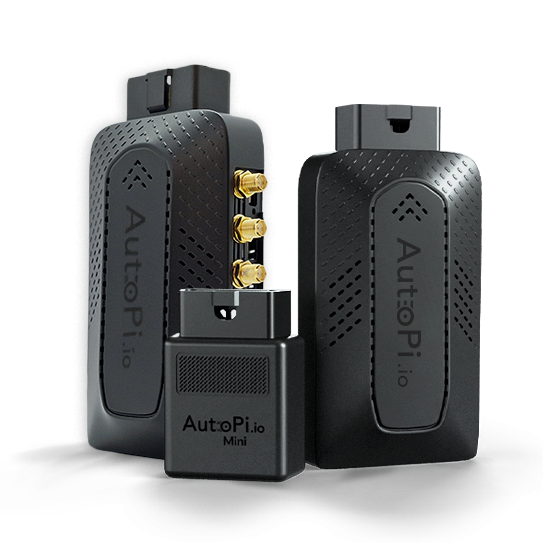 Comparison of all AutoPi devices Compare our devices and find the best fit for your requirements.
Documentation
Explore the documentation by area. Whether you are getting started or building advanced workflows, you can quickly navigate to the section that fits your use case.
 Core Documentation Understand how the AutoPi Core works.
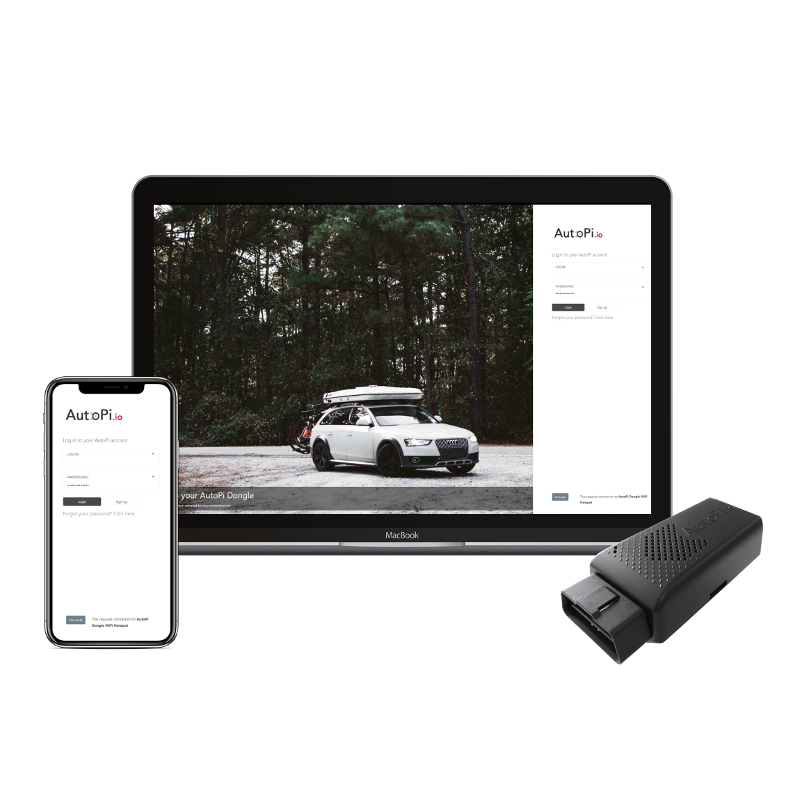 Cloud Documentation Learn how to make the most of your AutoPi Cloud Solution.
 Guides Get inspiration from our rich set of guides.
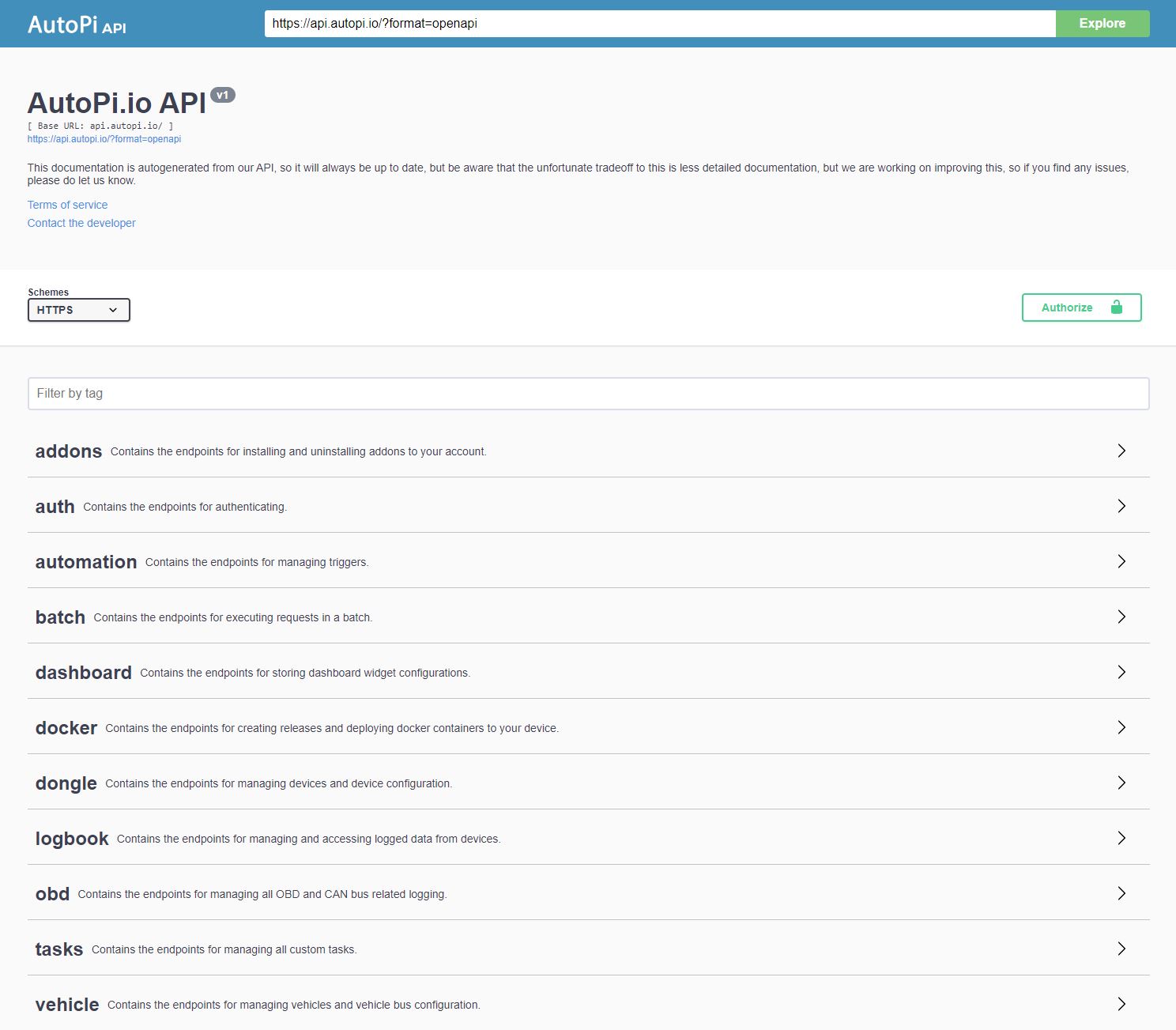 API Explore our rich API.
Most Used Guides
Use these quick links to jump into the guides most teams use first. We maintain a broad set of guides across devices, cloud, hardware, and developer workflows so teams can move from setup to production with clear, practical steps.
AutoPi TMU CM4
- TMU CM4 Getting Started: start here for setup, key concepts, and essential workflows.
- Create Loggers: configure logging to capture the data points you need.
- Data Troubleshooting: diagnose common issues with missing or unexpected data.
- 4G Internet Setup Troubleshooting: resolve connectivity issues on cellular deployments.
AutoPi CAN-FD Pro
- CAN-FD Pro Getting Started: get your device online and ready for data collection.
- CAN-FD Pro User Guide: review the most important setup and usage steps in one place.
- Accessing Files via SFTP/SCP: transfer logs and files securely to and from the device.
- Set Up AWS S3 Bucket: configure cloud storage for exporting and retaining data.
- Data Troubleshooting: diagnose common issues with missing or unexpected data.
- 4G Internet Setup Troubleshooting: resolve connectivity issues on cellular deployments.
AutoPi Mini
- AutoPi Mini Getting Started: learn the core setup flow for AutoPi Mini devices.
- Create Mini Logger: build your first logger for Mini-specific use cases.
- Data Troubleshooting: troubleshoot common data and configuration issues.
Cloud Solution
- Cloud Overview: understand the structure and capabilities of the AutoPi Cloud.
- Devices: manage and monitor your devices from one place.
- Loggers: create and manage cloud-side loggers at scale.
- Custom Code: add advanced cloud workflows with custom scripts.
- Diagnostics: investigate fleet health and identify device or data issues quickly.
- Reports: generate operational summaries and performance insights for your fleet.
Developers
Want to dig right into the source code? Get full access here:
 AutoPi Core Github Get the open-source code for the AutoPi Core.
AutoPi Documentation Github Participate in the documentation, it's open-source.
Developer Guides (Advanced)
- Advanced diagnostics (DoIP): Use the DoIP hat to expand diagnostic and maintenance capabilities. Start here: How to set up DoIP
- Remote access: Connect directly with SSH to your device or use Tailscale
- Containerized workloads: Run services on-device with Setting up Docker on your device
- Development setup: Follow the Local development workflow, power safely with an external power supply, and use the AutoPi Local API overview
- Data routing and broker integration: Send data to your own infrastructure with Configuring MQTT
- Power and wake control: Access sleeping devices remotely with Remotely waking up your device
- Troubleshooting and recovery: Collect diagnostics with AutoPi Logs and recover devices with Reflashing your device
- Hardware extensions: Add peripherals with Installing a camera on your AutoPi and configure BLE workflows via How to use bluepy with AutoPi edge devices
- Raw GPS data access: Collect and inspect raw GNSS output for advanced location workflows with Accessing Raw GPS Data
- Data visualization for Pro devices: Visualize telemetry with custom dashboards and real-time metrics using Build Grafana Dashboard
- Custom event automation: Define custom triggers and actions for specialized logger logic with How to Create a Custom Event
- Remote CAN workflows: Enable remote CAN bus access for diagnostics and development tasks with Remote CAN Access
- RFID workflows: Integrate RFID-based identification workflows with your setup using RFID Integration
For AI Tools & RAG
The AutoPi documentation is published in LLM-friendly formats so you can plug it directly into ChatGPT, Claude, Cursor, Continue, or your own RAG pipeline - no scraping required.
llms.txt- an index of every documentation page, following the llmstxt.org standard.llms-full.txt- the complete AutoPi documentation as one machine-readable Markdown document, ready to ingest.- Every page is also available as clean Markdown by appending
index.mdto its URL (e.g.https://docs.autopi.io/cloud/index.md).
These files are regenerated on every documentation build, so anything you index stays in sync with the site.
 Shop AutoPi devices
 Contact sales
 Contact support