Introduction
AutoPi Cloud is the central platform for managing AutoPi devices, configuring data collection, and working with vehicle and fleet data. Use it to monitor deployments, apply configuration changes remotely, investigate events and diagnostics, and integrate AutoPi data with your own systems.
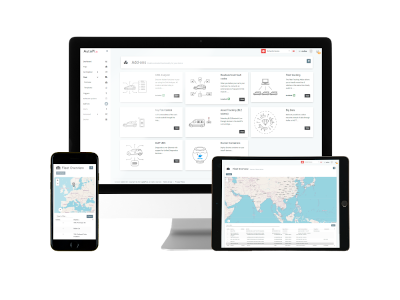
What You Can Do in AutoPi Cloud
AutoPi Cloud is organized around the operational tasks below.
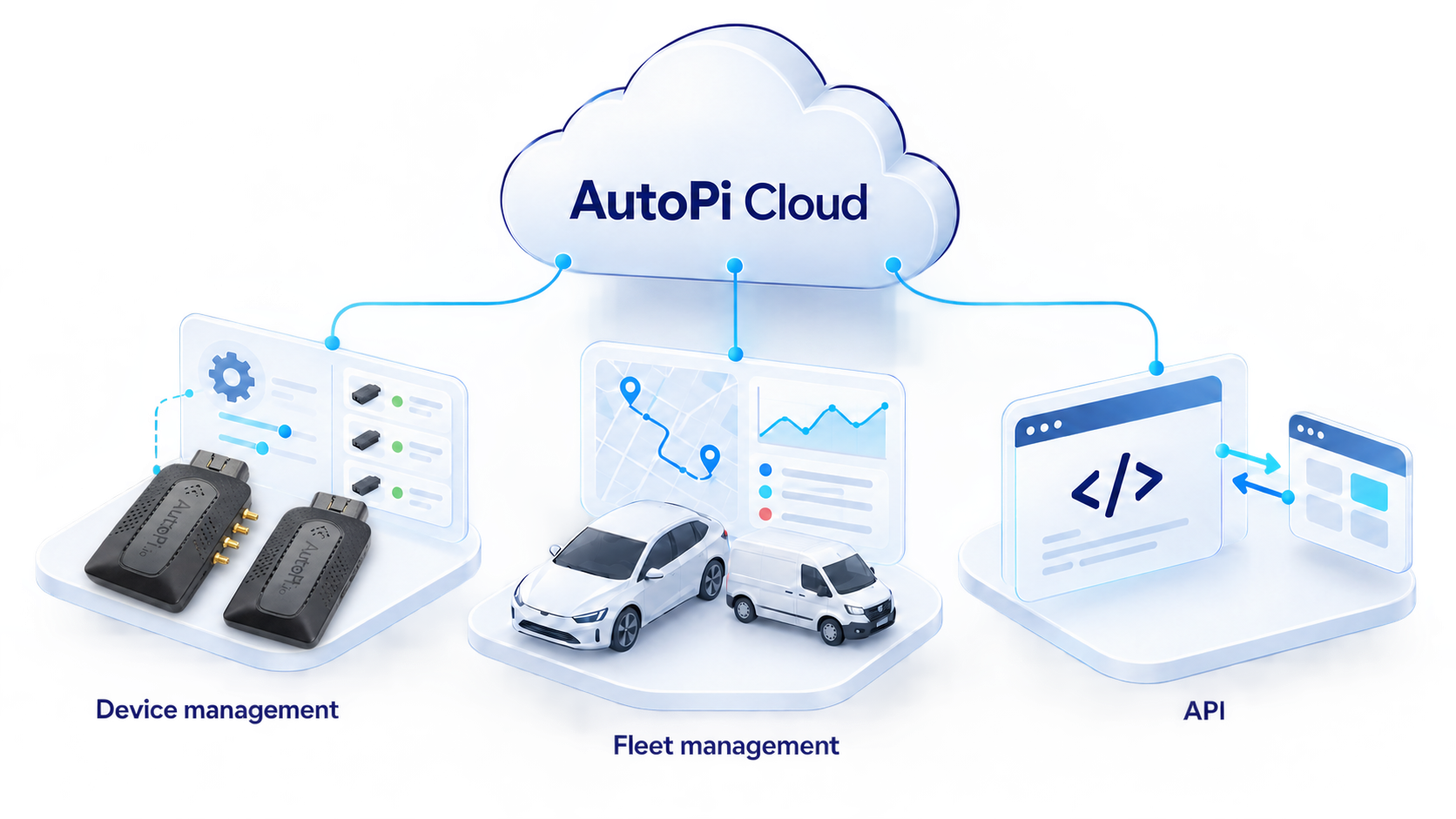
Device Management
Use Device Management to monitor device connectivity, alerts, and software status. From an individual device, you can:
- Configure loggers, services, events, and advanced device settings.
- Deploy custom code and create triggers for event-driven automation.
- Run remote commands and jobs.
- Deploy software updates and review configuration changes.
- Create templates to apply consistent configurations across multiple devices.
- Inspect incoming data and troubleshoot device behavior.
Start with the Device Management overview.
Fleet Management
Use Fleet Management to turn data from your devices into an operational view of your vehicles. You can:
- View vehicle locations, status, telemetry, and trips.
- Organize vehicles into groups and locations.
- Configure geofences, alerts, dashboards, fault codes, and notification channels.
- Define asset types and review RFID activity through Access Control.
- Review diagnostics and generate reports for fleet activity and utilization.
Start with the Fleet Management introduction.
Account Management
Use Accounts to manage customers, users, devices, permissions, and API tokens. Nested customers and permission groups help separate data and responsibilities across teams, business units, or customers.
See Accounts for the account structure and access options.
API
The AutoPi REST API lets you automate supported Cloud workflows and connect AutoPi with your own applications. Depending on the endpoint, you can retrieve telemetry and trip data, manage device settings, execute commands, and build data export workflows.
See Getting Started with the REST API for authentication and examples, or use the interactive API reference for endpoint details.
Where to Start
Choose the area that matches your task:
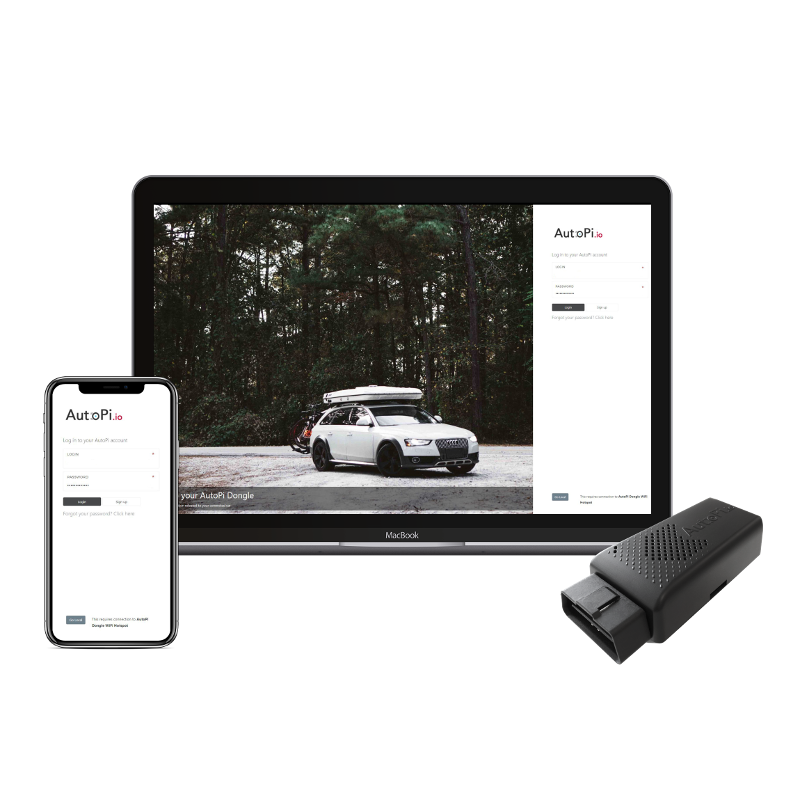 Device Management Configure, monitor, update, and troubleshoot your AutoPi devices.
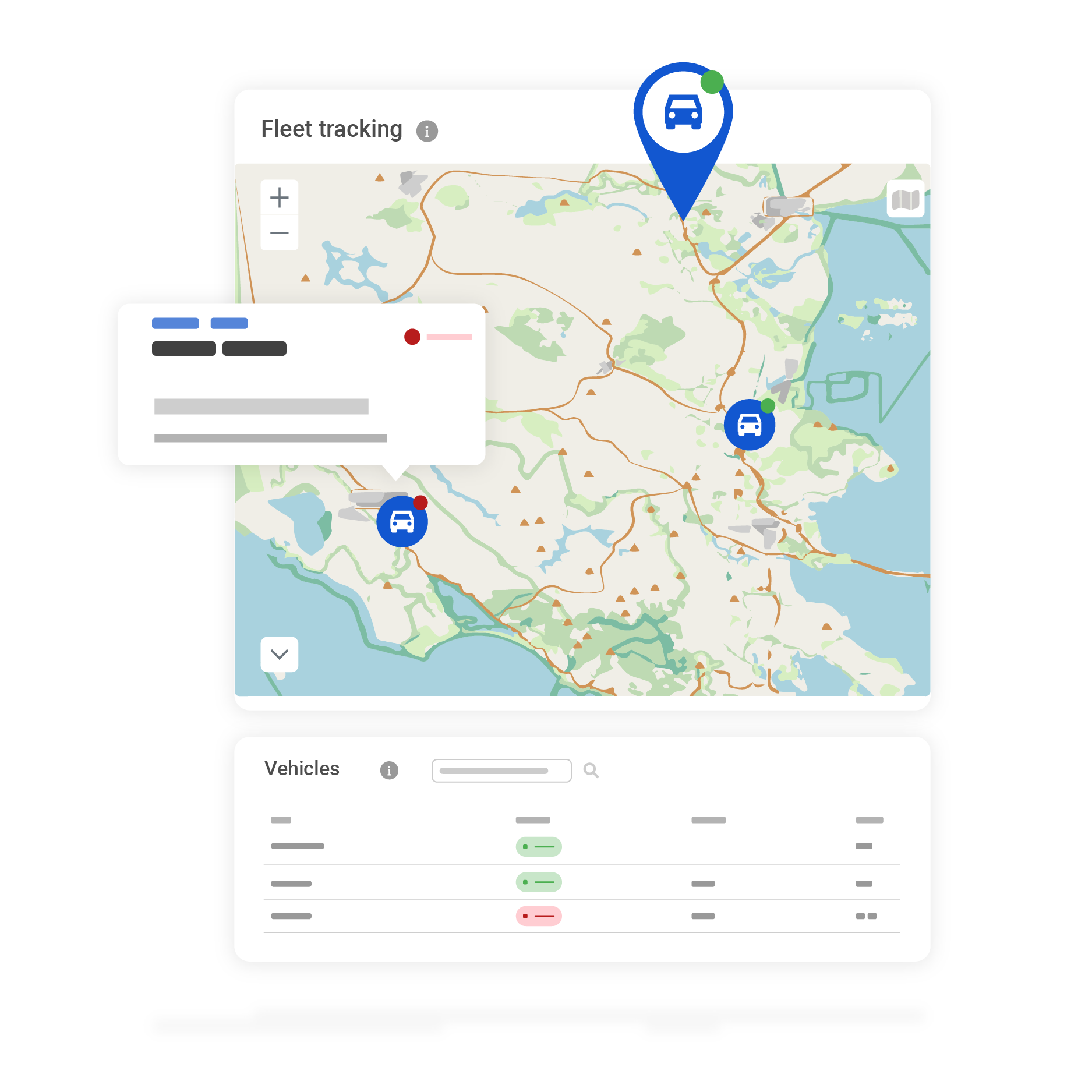 Fleet Management Track vehicles, review trips and diagnostics, and manage fleet workflows.
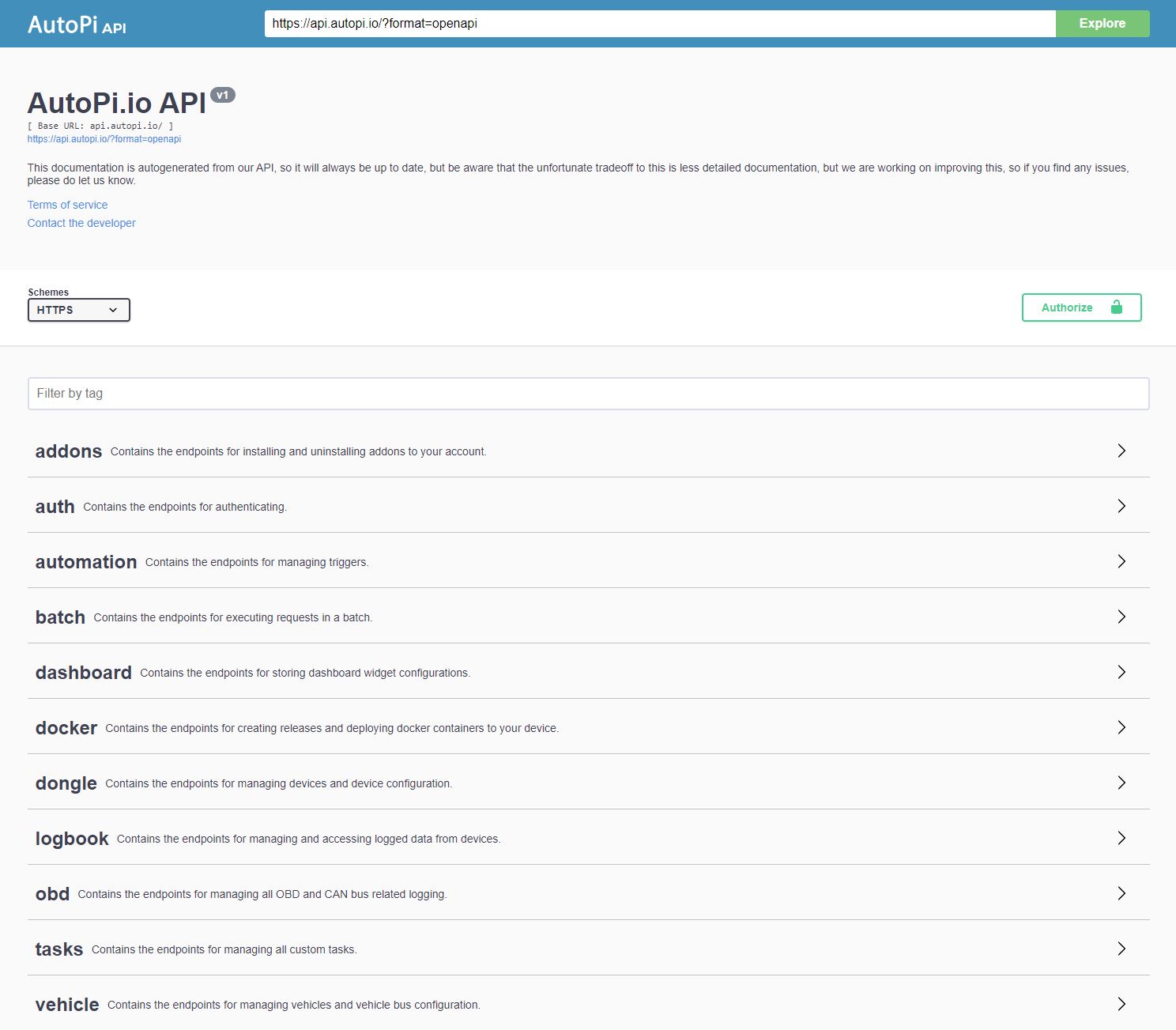 REST API Authenticate, explore endpoints, and integrate AutoPi data with your systems.
 Accounts Manage customers, users, permissions, devices, and API tokens.
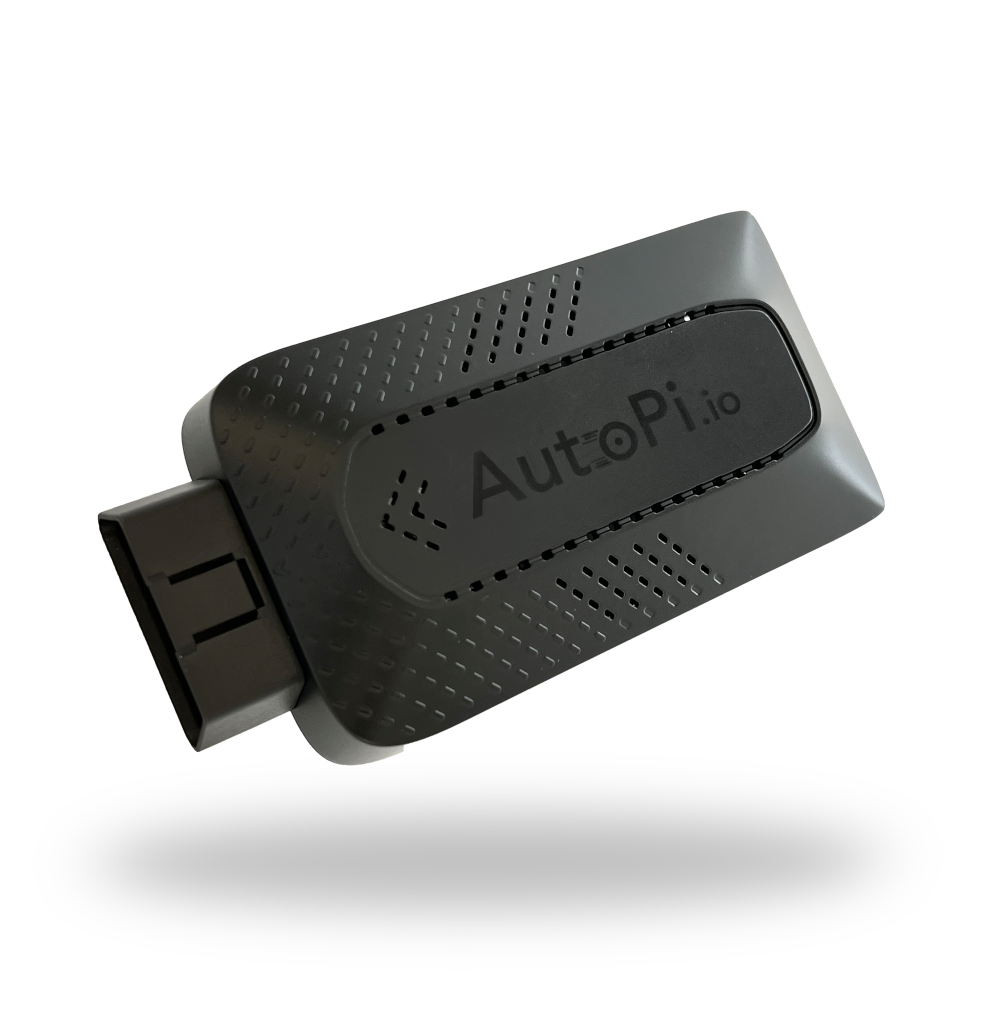 Shop AutoPi devices
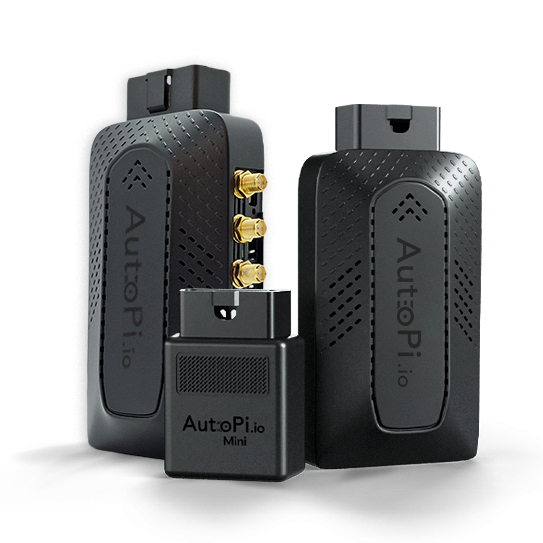 Compare devices
 Contact sales
 Contact support