Introduction
This guide provides a comprehensive reference for all AutoPi core commands available on your device. Execute powerful device operations remotely from the cloud, locally via WiFi, or directly through the Linux shell. Commands enable you to interact with your vehicle's systems, manage power states, configure logging, and automate complex workflows.
Execution methods:
- Cloud Terminal — execute commands remotely from the AutoPi Cloud platform. see Cloud Commands.
- Local Terminal — run commands locally via the device's WiFi hotspot. See Local Development Workflow for detailed setup instructions.
- SSH — execute commands remotely over SSH for secure access to your device. See How to SSH to Your Device for connection setup.
- REST API — programmatic command execution for automation and integration. See Rest API execute.
Common command categories:
- OBD Commands — query vehicle data, send OBD requests, analyze CAN messages.
- Power Management — control power states, manage sleep timers, monitor voltage.
- Service Management — start, stop, and configure device services.
- System Commands — monitor device metrics, retrieve logs, manage configurations.
- CAN Logging and Data Collection — configure loggers, manage data streams, export data.
- Network Commands — manage connectivity, configure network interfaces.
- Custom Commands — create and execute Python-based custom automation.
Key features:
- Multi-interface execution (Cloud, local, CLI).
- Real-time command feedback and response data.
- Error handling and troubleshooting information.
- Command chaining and automation support.
- REST API integration for programmatic access.
- Python support for custom command development.
- Comprehensive command reference documentation.
note
You can create your own custom commands in Python through the AutoPi Cloud. When logged in, go to: Device -> Custom Code
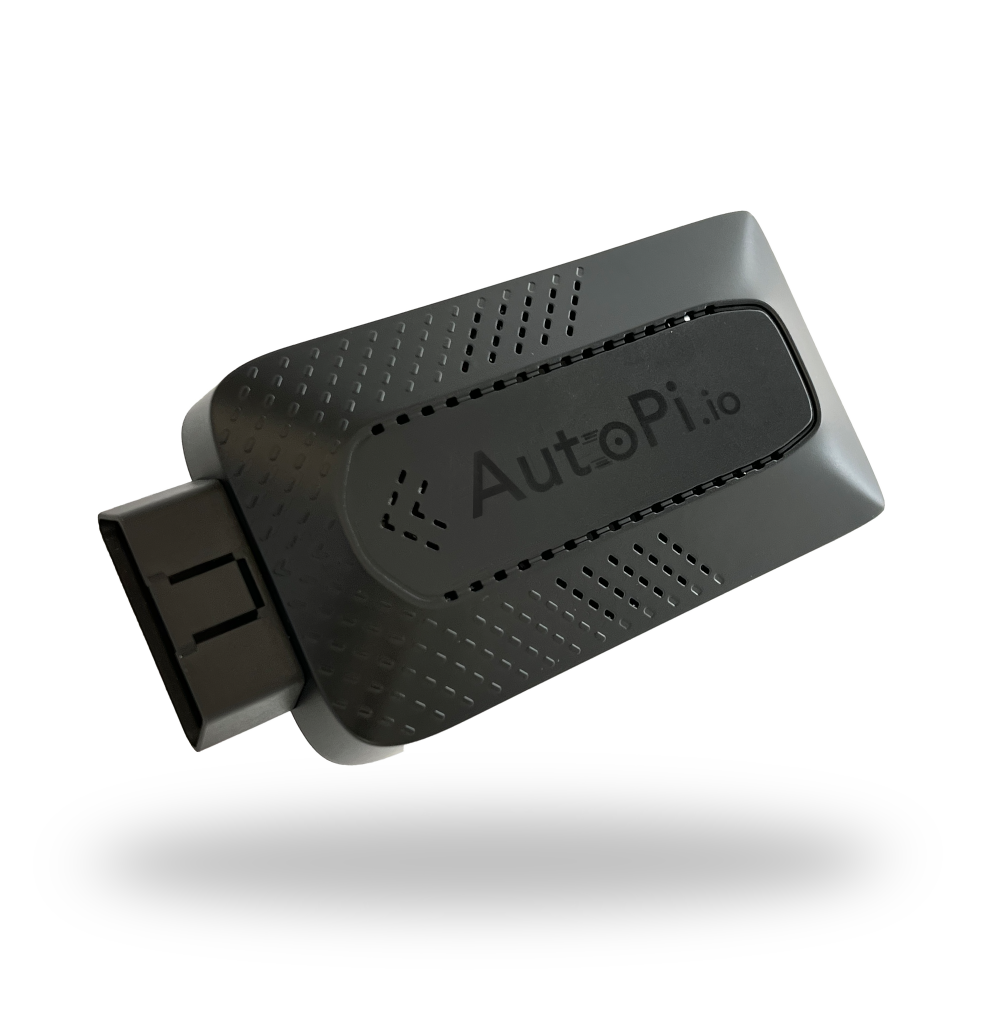 Shop AutoPi devices
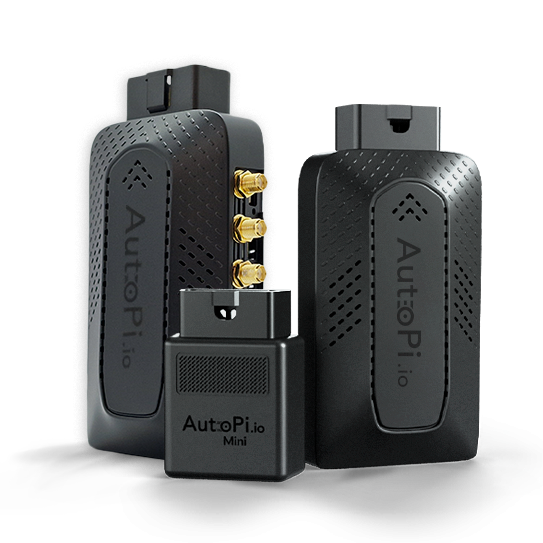 Compare devices
 Contact sales
 Contact support