Overview
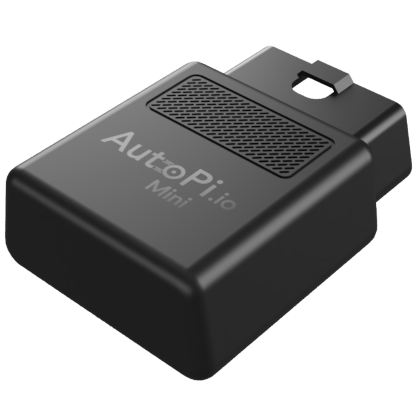
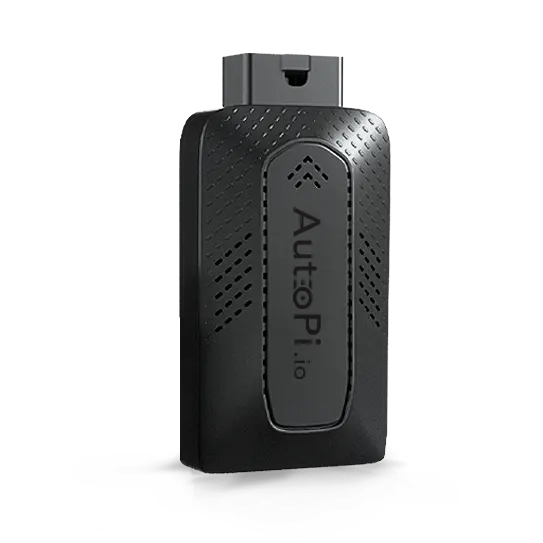


This guide will walk you through the Device Management Overview section in AutoPi Cloud, providing centralized visibility into your entire device fleet. Monitor device activity and connectivity, track alerts by severity level, and manage software updates across all devices to ensure optimal performance and operational efficiency.
What you'll learn:
- How to view device connectivity status across multiple time periods.
- How to monitor device activity (online now, today, and last 30 days).
- How to identify and prioritize alerts by severity level (Critical, High, Medium, Low).
- How to track software update status across your fleet.
- How to identify inactive or underutilized devices.
- How to use fleet health metrics to maintain optimal performance.
What You Can See in the Overview
Devices Activity
The activity section shows how your devices are performing over time:
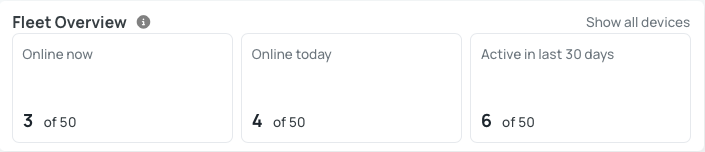
- Online now – devices currently online.
- Online today – devices that have been active during the day.
- Online in the last 30 days – long-term activity overview.
This helps you identify devices that are inactive or underutilized.
Open Alerts
Displays the number of active alerts across four severity levels:
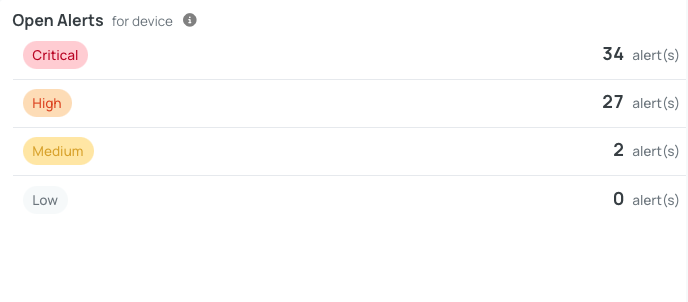
- Critical
- High
- Medium
- Low.
Monitoring this section helps you quickly detect issues. If there are critical alerts, it usually indicates that immediate attention is required.
Software Updates Status
Provides an overview of update status across your devices:
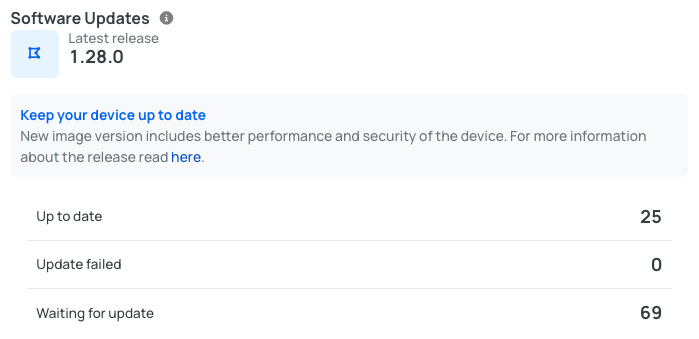
- Devices up to date
- Devices with failed updates
- Devices waiting for updates.
This allows you to ensure that your fleet is running the latest software versions.
Summary
The Overview page gives you a quick, high-level snapshot of your entire fleet, helping you:
- Monitor device connectivity.
- Track alerts and issues.
- Manage software updates efficiently.
We continuously improve our platform and strongly recommend keeping your devices updated to ensure optimal performance.
Best Practices:
- Regularly check the Overview page to monitor fleet health.
- Pay close attention to critical alerts.
- Keep devices up to date to benefit from improvements and fixes.
 Shop AutoPi devices
 Compare devices
 Contact sales
 Contact support