Loggers
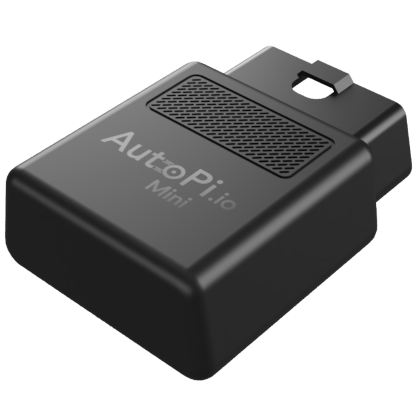
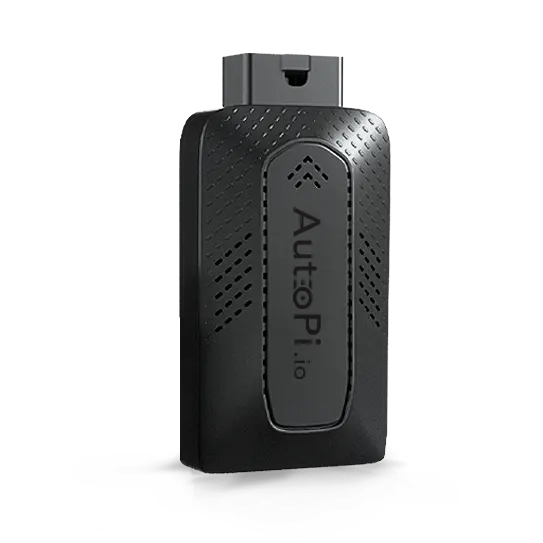


Loggers are the foundation for collecting reliable device and vehicle data in AutoPi Cloud. They define what data should be captured, when it should be recorded, and how it becomes available for analysis, dashboards, triggers and alerts.
While the goal is the same across all AutoPi devices, the logging model is not identical. Some devices focus on parameter-based logging, while others use CAN channel pipelines with filtering, decoding, and output management. Because of this, using the wrong setup flow can lead to missing data, unnecessary traffic, or hard-to-debug configurations.
This guide gives you a device-specific path so you can configure logging correctly from the start. It is designed as a practical overview that helps you understand the main differences between device types, choose the right configuration approach, and validate that data is being captured as expected.
Use the section that matches your hardware:
- AutoPi Mini
- AutoPi TMU CM4
- AutoPi CAN-FD Pro
Quick Comparison
| Device | Logger model | Typical setup flow |
|---|---|---|
| AutoPi Mini | Predefined logger list (parameter-based) | Select parameter, choose trigger mode, sync to device |
| AutoPi TMU CM4 | OBD/CAN logger model | Configure CAN bus, prepare Library items, create loggers |
| AutoPi CAN-FD Pro | CAN Logging pipeline | Configure channels, create CAN logger, add filters/decoders/outputs |
AutoPi Mini
On AutoPi Mini, loggers are based on a predefined parameter catalog. The easiest path is to start from the default logger set and then add custom loggers as needed.
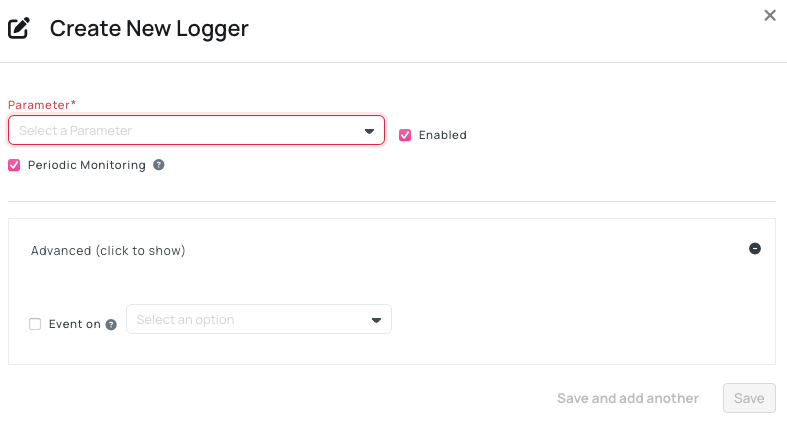
Create or edit Mini loggers
- Open your device in AutoPi Cloud.
- Go to Loggers.
- Click Create to add a logger, or edit an existing one.
- Configure the logger:
- Parameter
- Enabled
- Periodic monitoring or Event on
- Save and sync the changes to the device.
Important behavior
- Periodic monitoring is recommended for continuously changing values.
- Event on: Change can create a high number of events for noisy values (for example voltage), which may increase data usage and affect sleep behavior.
- Restore default removes current logger setup and reapplies default loggers for the selected vehicle type.
For a full walkthrough, see: Create Loggers (AutoPi Mini).
AutoPi TMU CM4
On AutoPi TMU CM4, logger creation depends on correct CAN bus configuration and available items in your OBD Library.
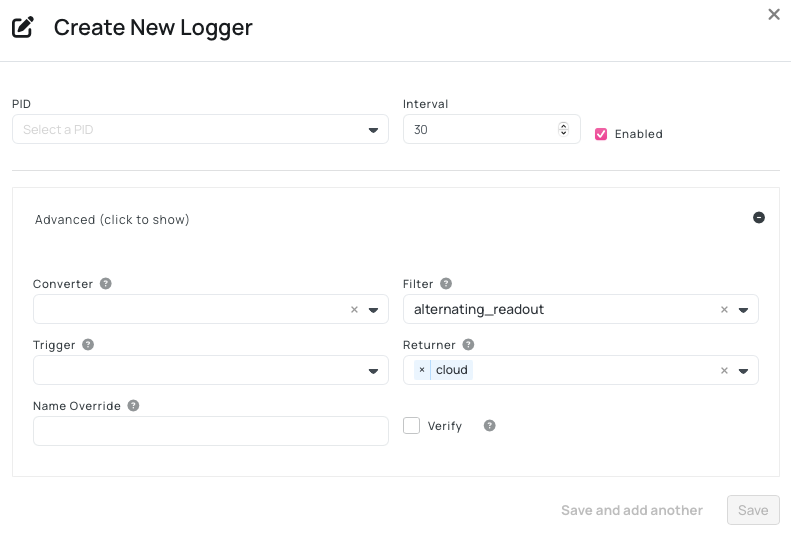
Create or edit TMU CM4 loggers
- Ensure CAN bus protocol is configured (auto-detection, manual setup, or CAN Analyzer).
- Prepare required items in the OBD Library:
- PIDs
- PGNs
- CAN messages/signals
- Open your device and go to Loggers.
- Create or update logger definitions and sync them to the device.
Best practices
- Validate protocol first to avoid empty logger output.
- Reuse Library items across devices to keep logger configuration consistent.
- When custom formulas are used, verify the returned values before applying the logger broadly.
For a complete guide, see: Create Loggers (AutoPi TMU CM4).
AutoPi CAN-FD Pro
On AutoPi CAN-FD Pro, logging is managed through CAN Logging and is designed for high-volume CAN/CAN-FD capture. This flow is different from Mini and TMU CM4 loggers.
Create or edit CAN-FD Pro loggers
- Open your device and go to CAN Logging.
- Configure channels (for example can0/can1), including bitrate and autodetect settings.
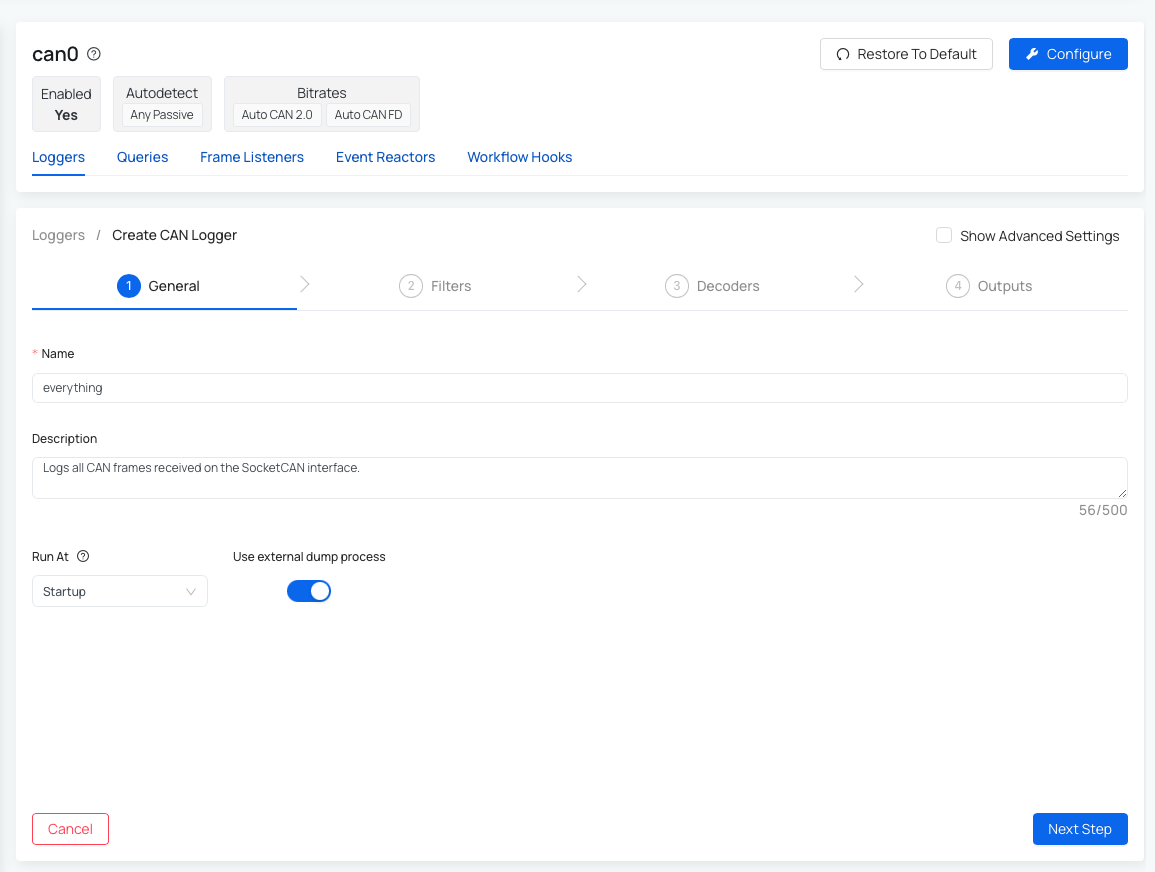
- Create a CAN logger and configure:
- General settings
- Filters (pass/block and frame options)
- Decoders (standard or ASAM)
- Outputs (local storage and optional S3)
- Save changes and confirm runtime status.
Best practices
- Start with passive bitrate detection when possible.
- Use filters and decoder-specific pass filters to reduce unnecessary traffic.
- Monitor logger health with
logger.statusand verify disk/S3 output behavior.
For full details, see: User guide (AutoPi CAN-FD Pro).
Verify Data in Dashboard
After creating or changing loggers on any device type:
- Open Dashboard.
- Add or edit a widget and select the relevant field.
- Save and refresh the widget.
If a field is missing, confirm that the logger is enabled and that the device has already produced the required data.
 Shop AutoPi devices
 Compare devices
 Contact sales
 Contact support