Introduction
This guide is applicable to the following device / devices: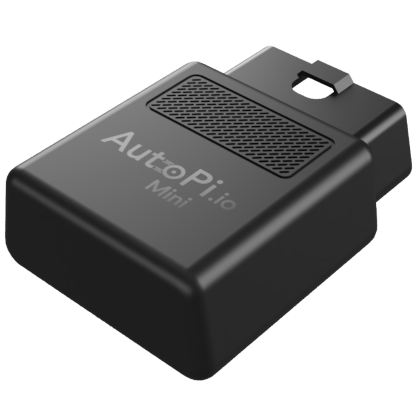
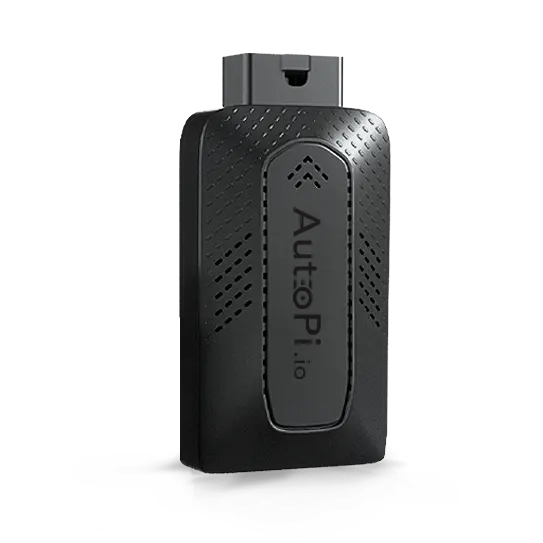


Mini
TMU CM4
CAN-FD Pro
CAN-FD Pro +IP67 casing
The Reports feature in the AutoPi Cloud platform empowers fleet managers with actionable insights into fleet performance and driver behavior. Reports deliver detailed data on critical events and patterns, enabling informed decision-making to optimize operations and enhance safety.
Key Capabilities:
- Understand vehicle and geofence interactions: Quickly see how your vehicles interact with geofenced areas.
- Monitor fleet performance: Identify where your fleet spends the most time, analyze parking duration, and evaluate route efficiency.
- Track driver behavior: Monitor idling times to reduce fuel waste, measure geofence entries and exits, and review distance traveled.
- Measure utilization: Analyze vehicle usage patterns to optimize fleet operations and reduce operational costs.
Reports can be accessed directly through the AutoPi Cloud or downloaded as PDF files for offline use.
List Tab
Use the List tab to review reports that have already been generated. This is the main place to open previous reports, export results, and remove reports you no longer need.
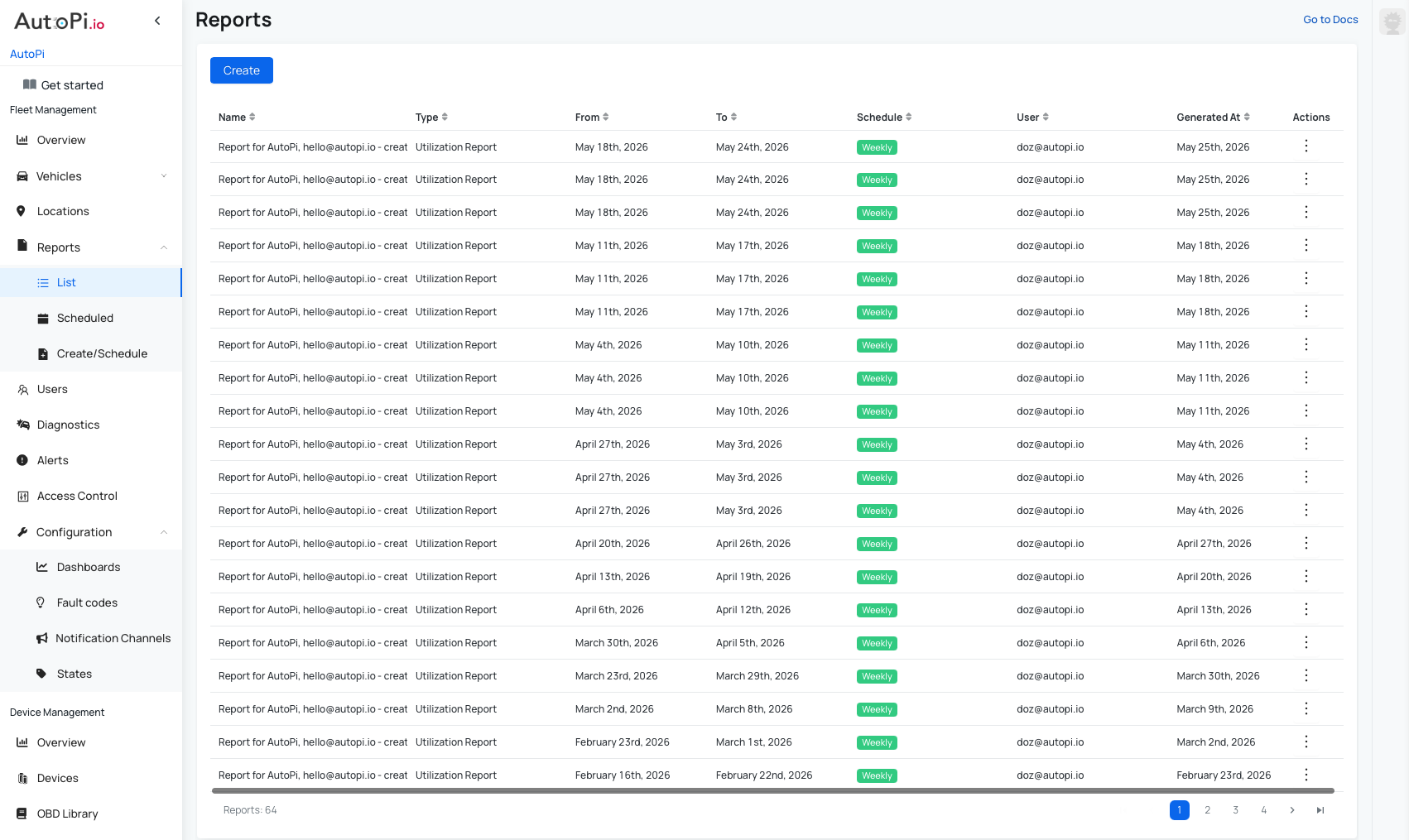
- Access a list of all generated reports. The list includes:
- Report name (editable during creation).
- Report type (for example, Geofence Report or Utilization Report).
- Date range (from/to).
- Creator name.
- Date and time when the report was generated.
- Actions: Download as PDF or delete the report.
- Click on a report to open its preview.
Schedules Tab
Use the Schedules tab to manage recurring reports. It gives you a clear overview of active schedules and quick access to edit or delete them.
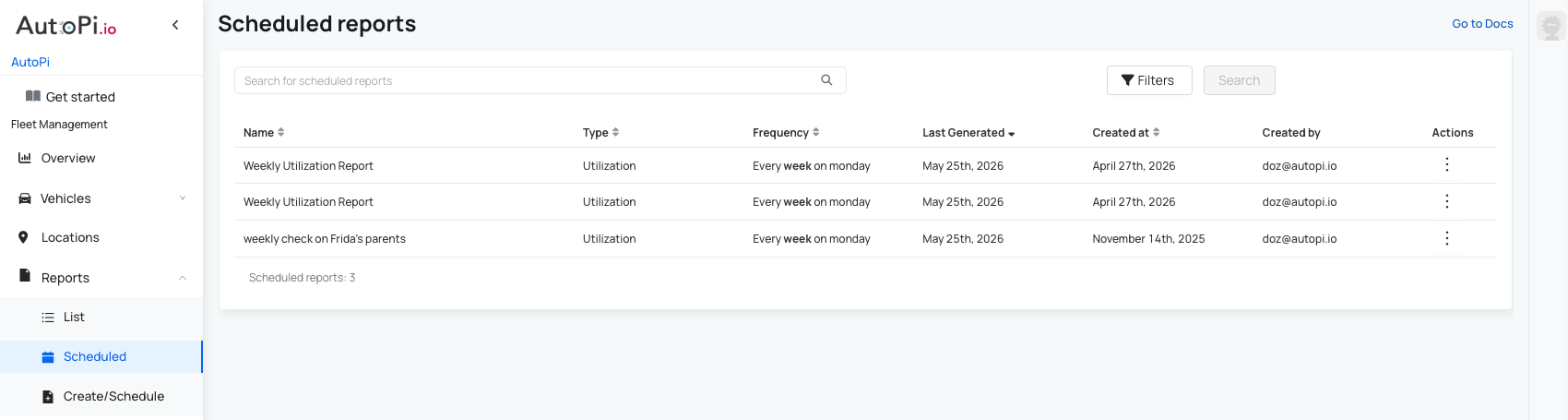
- View all scheduled reports, including:
- Report name.
- Report type (for example, Geofence Report or Utilization Report).
- Frequency and time of day.
- Last generated date.
- Schedule creation date.
- Creator name.
- Actions: Edit or delete a scheduled report.
Available Report Types
- Geofence Summary Report — Available
- Utilization Report — Available
- Location Compliance — Coming soon
- Connected Vehicles — Coming soon
- Maintenance — Coming soon
- Fleet Utilization — Coming soon
 Shop AutoPi devices
 Compare devices
 Contact sales
 Contact support