Remotely Waking up Your Device
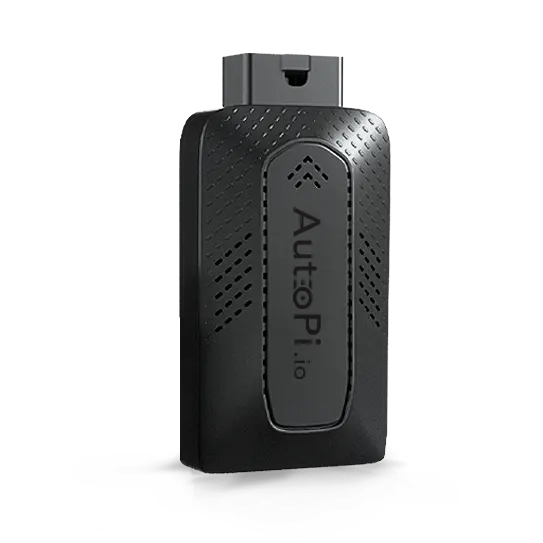


When a vehicle is parked and the ignition is turned off, the AutoPi device will automatically go to sleep to reduce power consumption and protect the vehicle battery. If you are working on a project remotely and need to access your AutoPi device while the vehicle is off, it is possible to wake the device from sleep remotely.
Overview
AutoPi devices enter sleep mode when the ignition is off. While asleep, the device is offline and consumes minimal power. For many development, diagnostics, or fleet use cases, however, it can be necessary to regain access without physically interacting with the vehicle. AutoPi supports SMS-based wake-up, allowing the device to be woken remotely by sending a text message to the SIM card installed in the device. You can find all the information under Device > Overview > AutoPi SIM.
Waking Up the Device via SMS
To wake up an AutoPi device from sleep:
- Send a TEXT/SMS to the phone number associated with the SIM card installed in the AutoPi device.
Upon receiving the SMS, the device will wake up and reconnect. No specific message content is required—the arrival of the SMS itself triggers the wake-up.
Reading SMS Messages on the Device
Depending on the hardware version of your AutoPi device, SMS messages can be listed or read directly from the device.
-
Pre-CM4 Devices using ecx2 module (AutoPi Dongle, AutoPi Dongle Gen3, AutoPi Socket CAN) - SMS messages can be listed using the
ec2xmodule.Run the following command from the terminal:
ec2x.list_smsThis can be useful when using prepaid SIM plans or when checking message status. However, you can also browse other commands here: Ec2X Manager.
-
CM4 Devices (AutoPi CAN-FD Pro, AutoPi TMU CM4) - SMS messages can be read using the
modemmodule:modem.read_smsYou can also browse other commands here: Modem.
Troubleshooting SMS Wake-Up Issues
If your AutoPi device does not respond to an SMS wake-up, check the following:
-
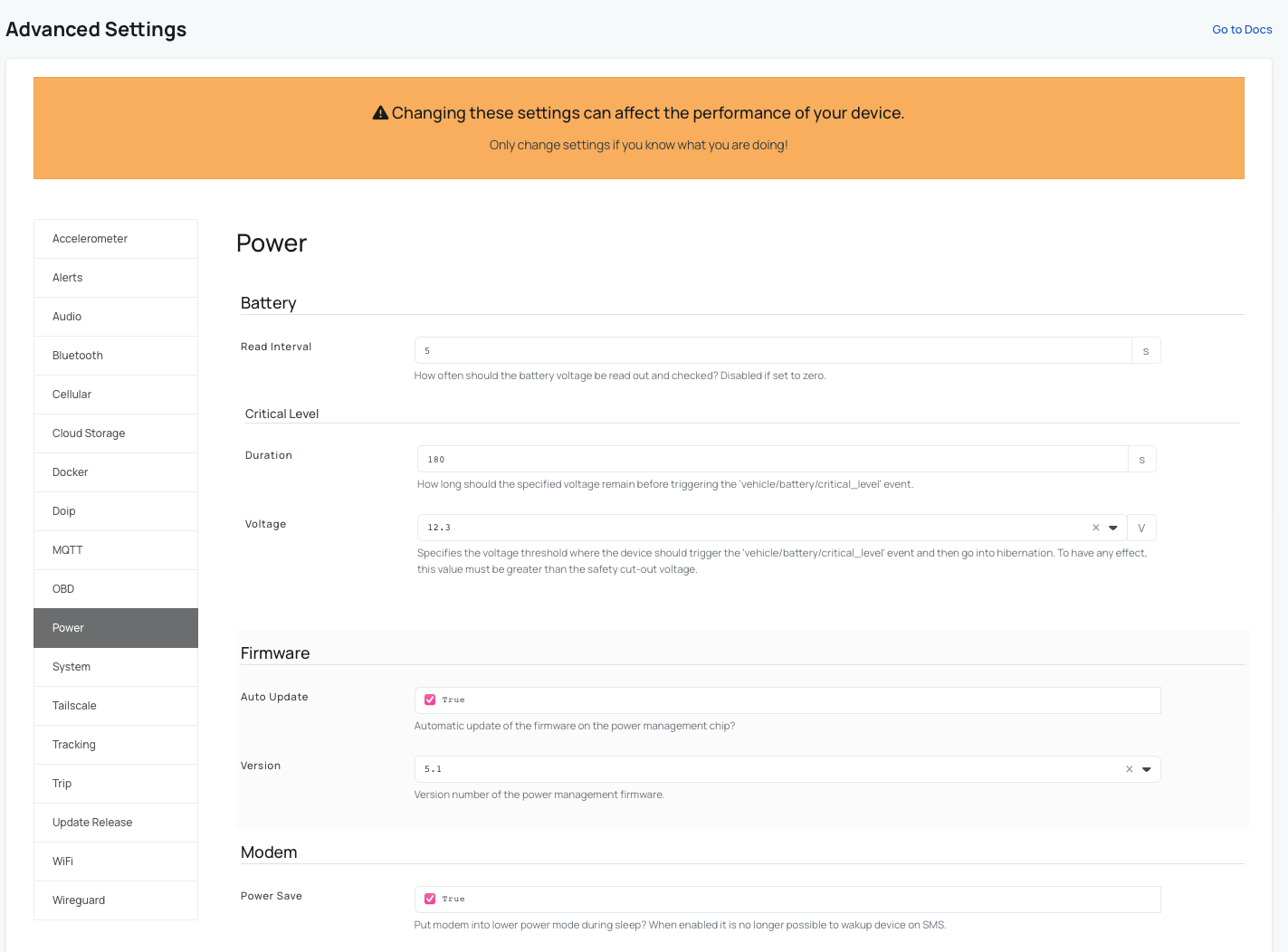
Modem Power Save Mode
The modem can be configured to enter a Power save mode during sleep. When this mode is enabled, SMS wake-up is not possible. Check the setting in AutoPi Cloud:
- Go to Device → Advanced Settings → Power → Modem.
- You can also adjust other settings under Advanced Settings → Power; such as sleep timers or wake trigger.
-
SIM Card SMS Storage Limit
Modems and SIM cards have a limit on how many unread SMS messages they can store. If the storage is full, new SMS messages (including wake-up messages) may not be received. You can clear stored messages using the following commands:
- Pre-CM4 devices:
ec2x.query 'AT+CMGD=1,4'- CM4 devices:
modem.connection execute AT+CMGD=1,4
Remotely waking up the device is not possible if the device is in hibernation (deep sleep). Hibernation occurs when the vehicle battery voltage drops below 12.2 V. This is a precautionary safety measure to ensure that AutoPi will never drain the vehicle battery.
For AutoPi Mini devices, remote wake-up via SMS or terminal commands is not supported. These devices cannot be woken from sleep remotely and require ignition or physical interaction to become active again.
SMS based wake-up allows you to regain access to your AutoPi device remotely while the vehicle is parked and ignition is off. This is especially useful for development, diagnostics, and fleet operations.
Key points:
- Wake-up is triggered by sending an SMS to the device SIM.
- Commands differ between pre-CM4 and CM4 devices.
- Modem power-saving settings can disable SMS wake-up.
- Deep sleep (hibernation) cannot be overridden remotely.
- AutoPi Mini devices do not support remote wake-up.
 Buy AutoPi device
 Compare all AutoPi devices
 Contact our sales team
 Contact our support team