Accessories Overview
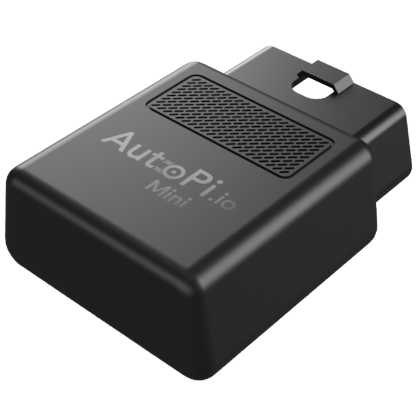
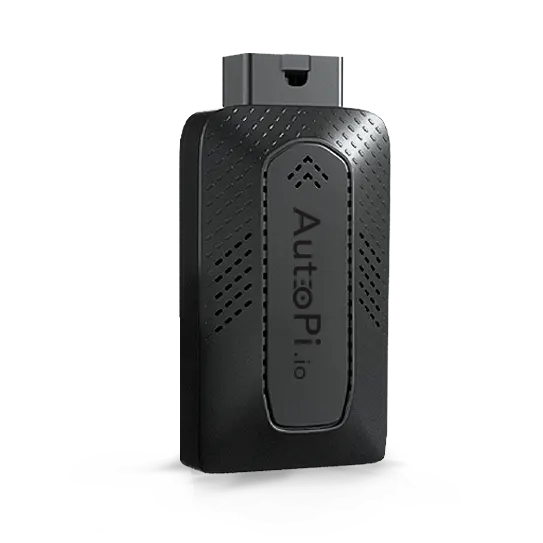
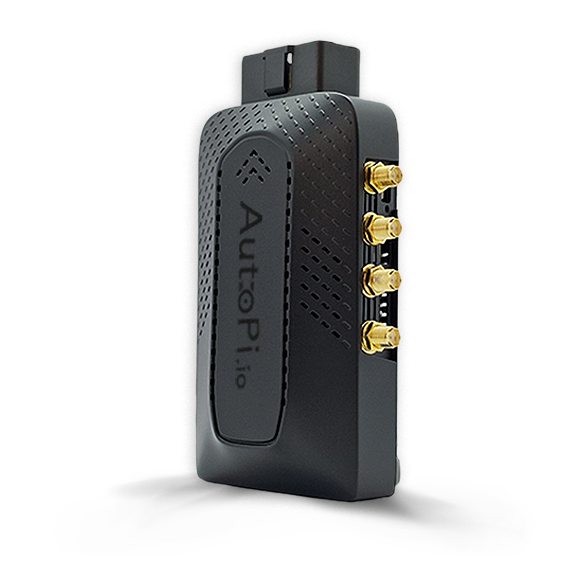
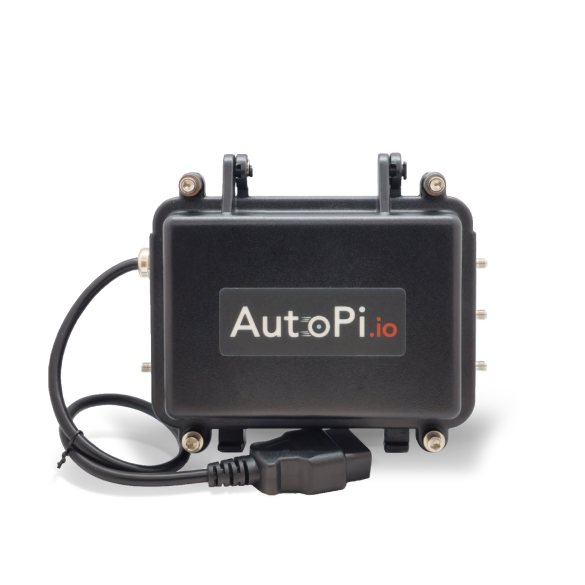
This section covers accessories for extending, installing, and connecting AutoPi devices. Use the links below to review compatibility, installation instructions, and connector pinouts before adding an accessory to your setup.
Contact the AutoPi team to discuss requirements that are not covered by the standard accessories in this section.
Global SIM Card
The Global SIM Card Solution provides cellular coverage in 188 countries. The guide lists the supported countries and network operators.
The AutoPi Mini and TMU CM4 devices purchased with a subscription already include a SIM card. For other configurations, select a data plan from the AutoPi Shop. Monthly data usage is available in AutoPi Cloud.
DoIP HAT
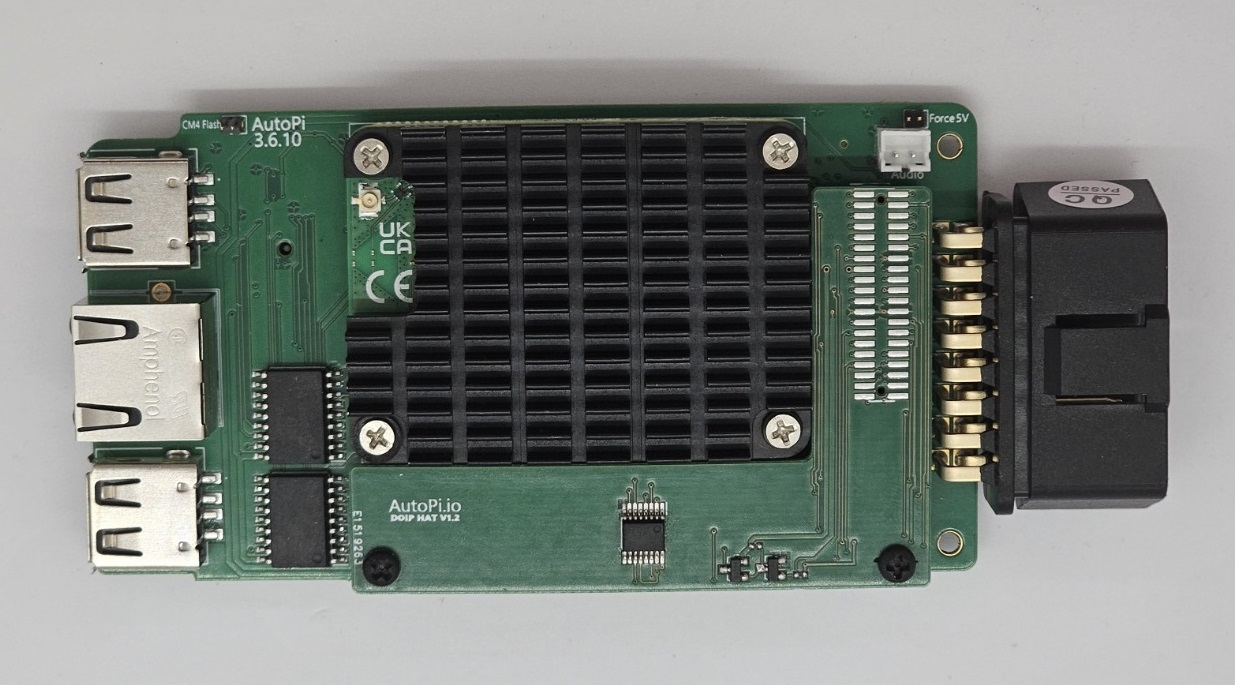
The DoIP HAT adds Diagnostics over Internet Protocol (ISO 13400) support to compatible AutoPi TMU CM4-based devices. It supports Ethernet-based vehicle diagnostics, including UDS communication and ECU programming workflows.
Install a DoIP-enabled device only in a vehicle that supports Ethernet diagnostics. After installation, the AutoPi Ethernet interface is routed internally to the vehicle and must not be connected to an external Ethernet device.
- Follow the DoIP HAT installation guide.
- Complete the DoIP software setup.
- Purchase the DoIP HAT for AutoPi TMU CM4.
External Antenna Kits
External antenna kits can improve reception when a device is installed where its internal antennas have limited access to cellular, GNSS, or Wi-Fi signals. Both kits can be ordered pre-installed or installed on a compatible TMU CM4.
4-in-1 Antenna Kit
The 4-in-1 Antenna Kit includes two LTE antennas, one GNSS antenna, and one Wi-Fi antenna. Follow the 4-in-1 installation guide when adding the kit to a TMU CM4.
The AutoPi CAN-FD Pro includes the 4-in-1 antenna kit as standard.

3-in-1 Antenna Kit
The 3-in-1 Antenna Kit includes two LTE antennas and one GNSS antenna. Follow the 3-in-1 installation guide when adding the kit to a TMU CM4.

General-Purpose Cables
The following cables support common installation, development, and testing scenarios:
- OBD-II Extension Cable: Relocates the device using a direct pass-through connection on all 16 pins.
- OBD-II Power Cable: Powers a device from a 12-24 V DC supply for setup, testing, or development outside a vehicle.
- OBD-II Splitter Cable: Connects an AutoPi and a second OBD-II device while keeping both ports available.
- OBD-II to Dual DB9 Cable: Connects two CAN bus channels from an AutoPi TMU CM4 or AutoPi CAN-FD Pro to separate DB9 connectors. Purchase the cable.
- Tesla OBD-II Adapter Cable for Model 3 and Y: Adds an OBD-II connection to a compatible Tesla Model 3 or Model Y.
- Micro USB to USB-A Adapter Cable: Connects a USB-A peripheral to the Micro USB port on an AutoPi Telematics Unit.
- CAN Bus Testing/Loop Cable: Loops the two CAN interfaces on an AutoPi TMU CM4 for communication testing.
- Male CAN Bus Cable with Open Wires: Exposes individual signals for a custom installation.
- Female CAN Bus Cable with Open Wires: Provides a female OBD-II connector with individual wires for custom connections.

Heavy-Duty Vehicle Adapter Cables
Vehicle-specific adapter cables connect an AutoPi OBD-II interface to J1939 or J1708 diagnostic connectors. Select the guide that matches the connector and vehicle. Each guide includes a pinout and a link to the corresponding cable.
- Caterpillar 14-pin J1939 adapter
- Caterpillar 538-5051 9-pin J1939 adapter
- Cummins 9-pin J1939/J1708 adapter
- Cummins-Komatsu 12-pin J1939 adapter
- IVECO 30-pin J1939 adapter
- Knorr Wabco trailer 7-pin J1939 adapter
- MAN 37-pin J1939 adapter
- MAN truck 12-pin J1939 adapter
- Mercedes 14-pin J1939 adapter
- Renault 12-pin J1939 adapter
- Scania 16-pin J1939 adapter
- Volvo 8-pin J1939 adapter


Device Mounts
The Device Mounts guide provides downloadable 3D-printable designs for mounting a compatible AutoPi device on a flat or curved surface.
 Shop AutoPi devices
 Compare devices
 Contact sales
 Contact support