Mounting Options
This guide is applicable to the following device / devices: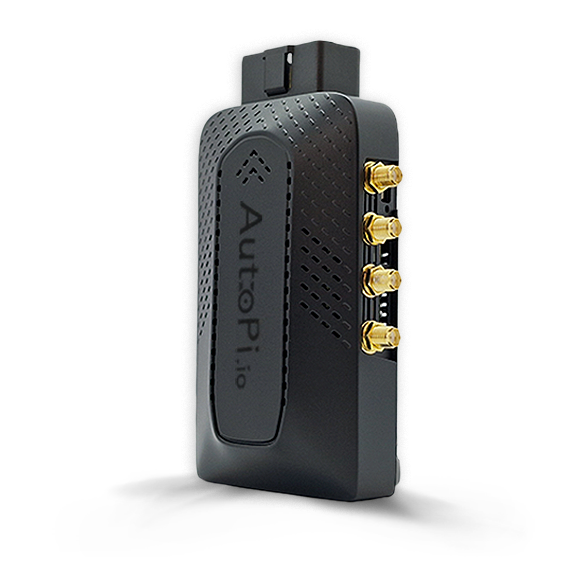
CAN-FD Pro
This guide explores all available mounting options for your AutoPi CAN-FD Pro device, from permanent custom installations using built-in mounting holes to convenient pre-designed mounts and helpful accessories. Discover the best installation method for your vehicle's interior layout and requirements.
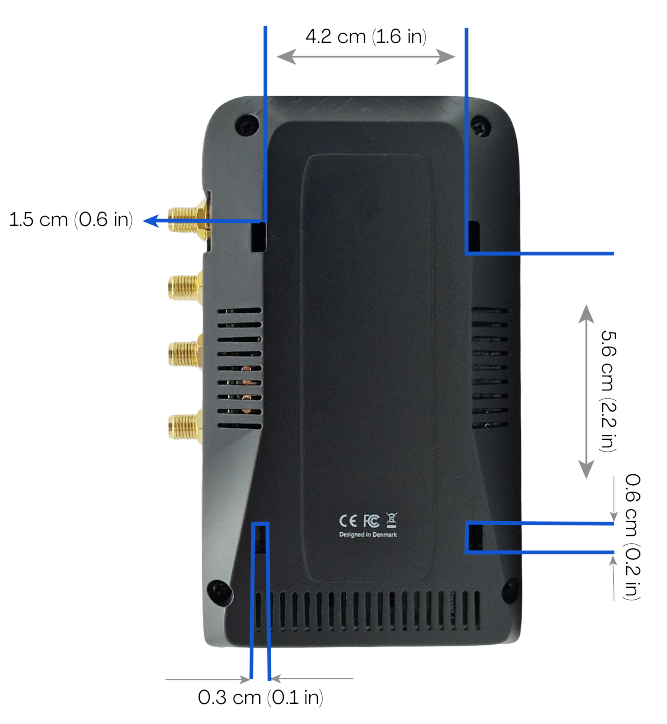
Mounting holes on your AutoPi CAN-FD Pro device
Need more reach?
We’ve got two essential accessories to make setup of your AutoPi CAN-FD Pro device easier. Accessories:
- OBD-II Extension Cable – Add extra reach for flexible placement.
- Dual Lock Extreme Velcro Strip – Secure, vibration-resistant mounting anywhere.
Prefer a more permanent mounting solution?
The AutoPi CAN-FD Pro device comes with built-in mounting holes — perfect for creating a custom, secure setup in your vehicle. You can find the mounting holes at the back of your AutoPi CAN-FD Pro device:
Choose your mount
Don’t want to DIY? We’ve got you covered with pre-designed mounts made specifically for the AutoPi CAN-FD Pro device.
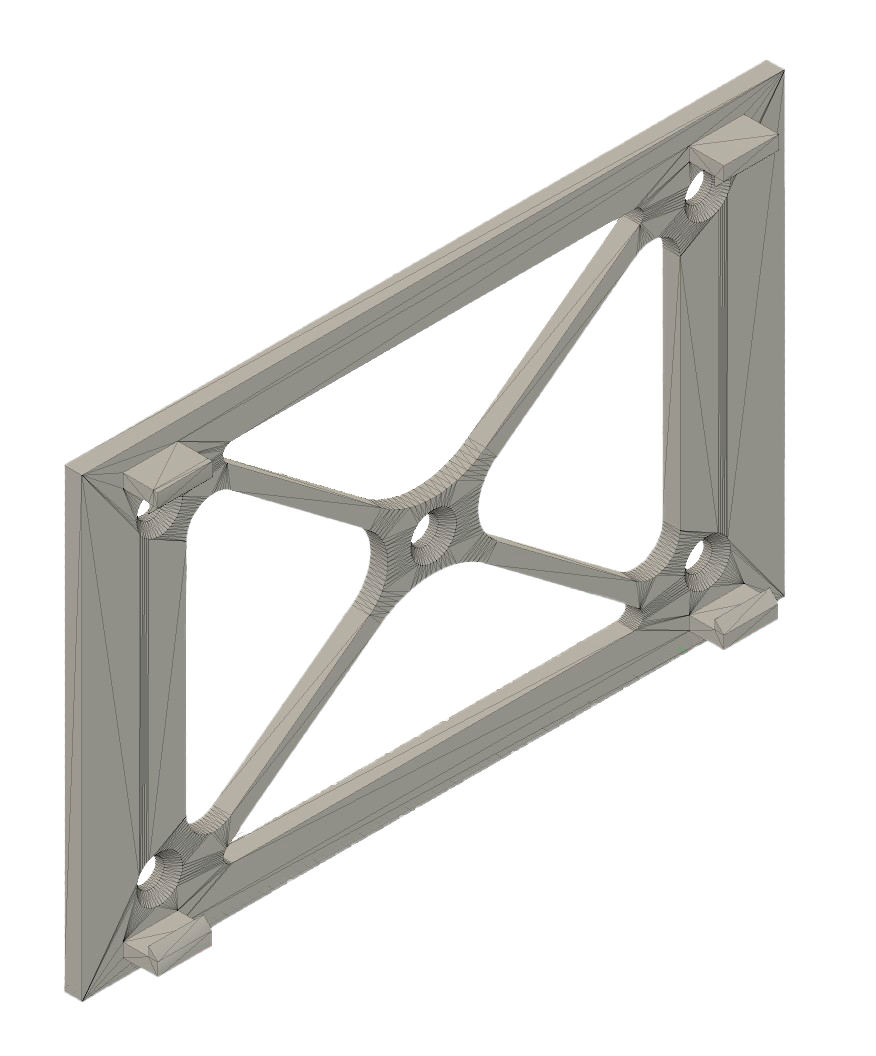
1. Flat surface mount
- Perfect for dashboards, panels, or any flat surface.
- Easily screws in place or secures with adhesive.
- Snaps right onto the bottom of your AutoPi device. Download mount for flat surfaces
2. Curved surface mount
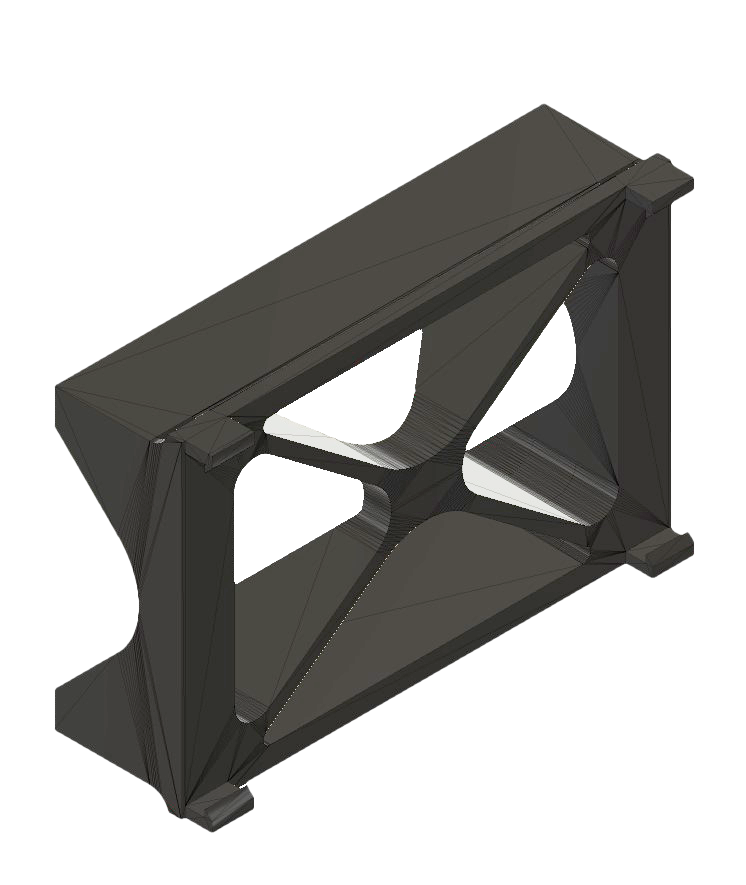
- Great for pipes, curved panels, or irregular surfaces.
- Secures with adhesive or zip ties for a snug fit.
- Snaps onto the bottom of your AutoPi device just like the flat mount. Download mount for curved surfaces
 Shop AutoPi devices
 Compare devices
 Contact sales
 Contact support